Atualização do Firmware
Para a atualização geral do firmware, seguir este guia. Em seguida, é necessário reinstalar o blue-merle:
Make sure the NW750 has a working Internet connection.
Connect with the WiFi and login to the alternative OpenWrt web interface at https://192.168.8.1/cgi-bin/luci/ using username
rootand the same password used for the other web interface.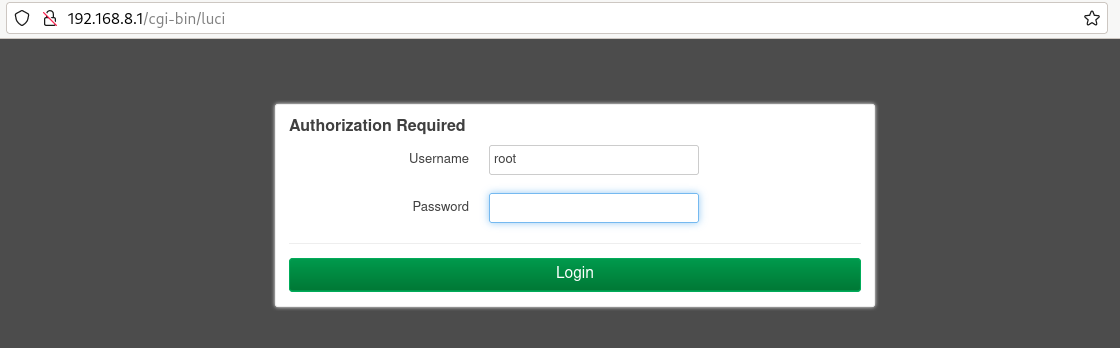
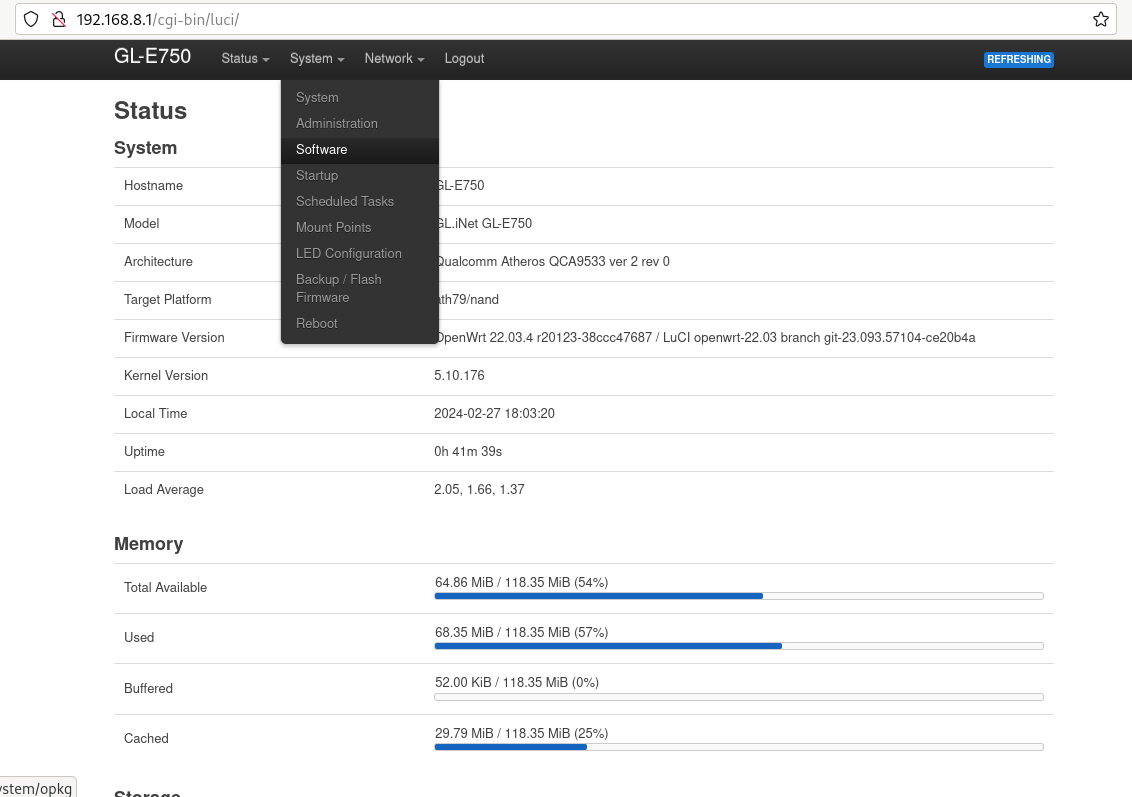
Go to «System» -> «Software».
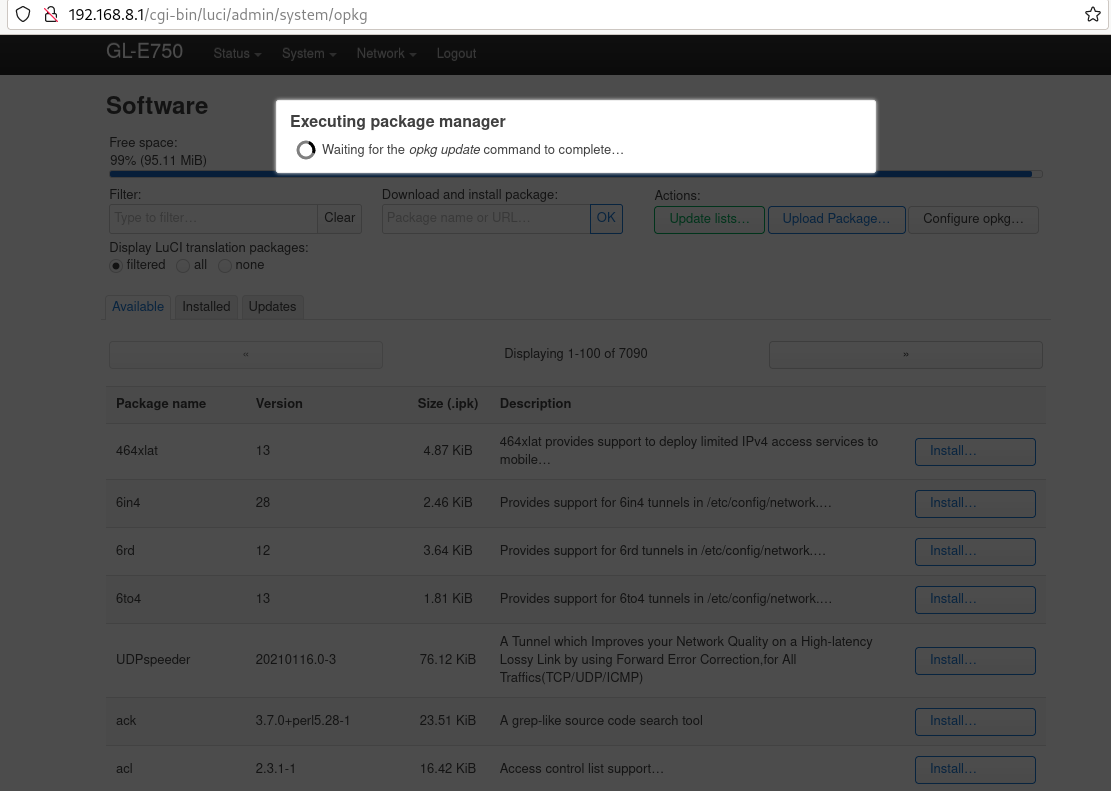
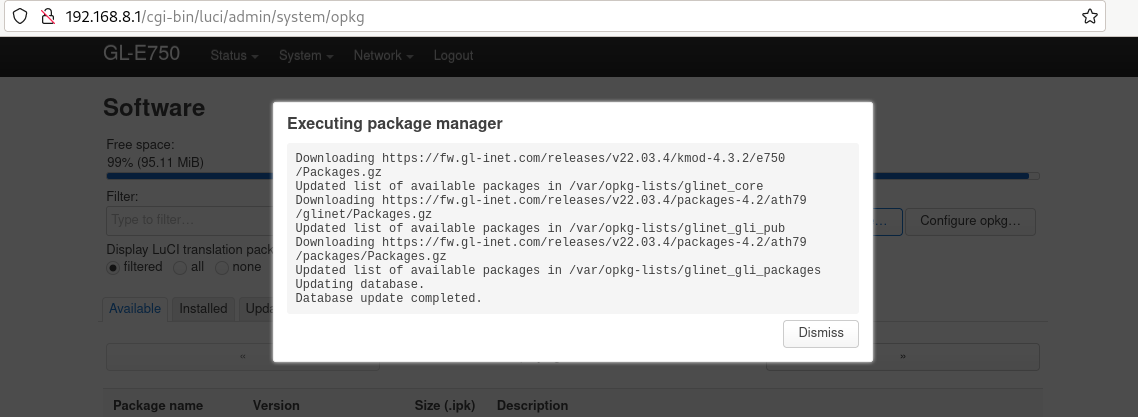
Clique em «atualizar lista». Isto pode demorar algum tempo, mas se falhar significa que não tem ligação à Internet.
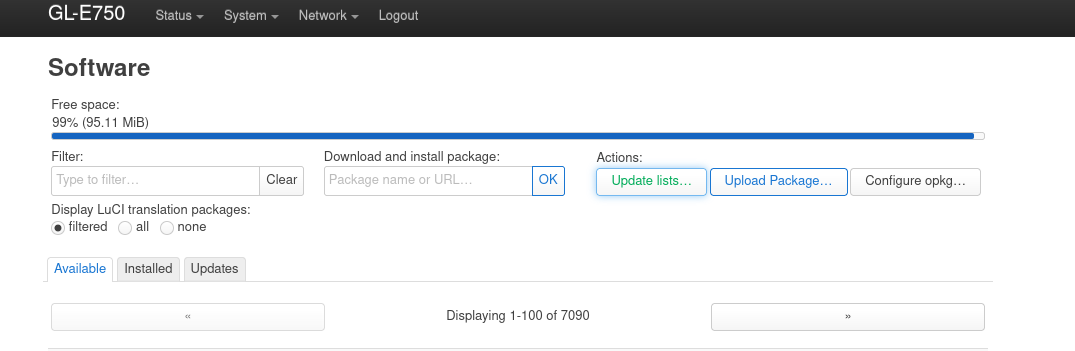
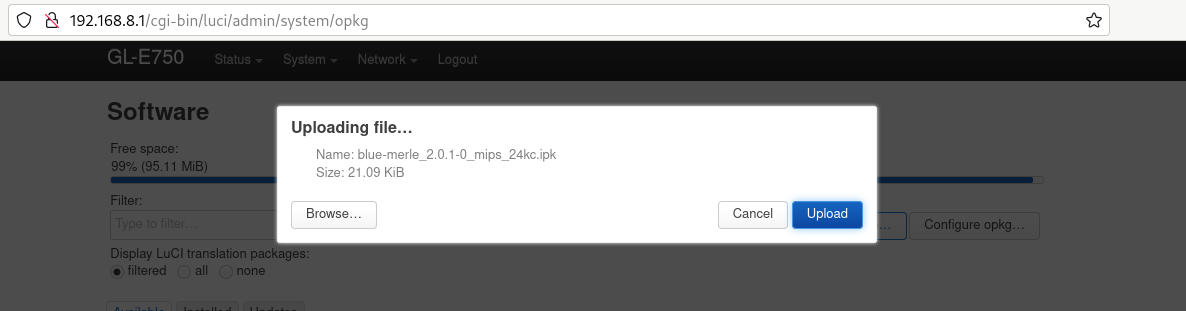
Click «upload package» and upload blue-merle.
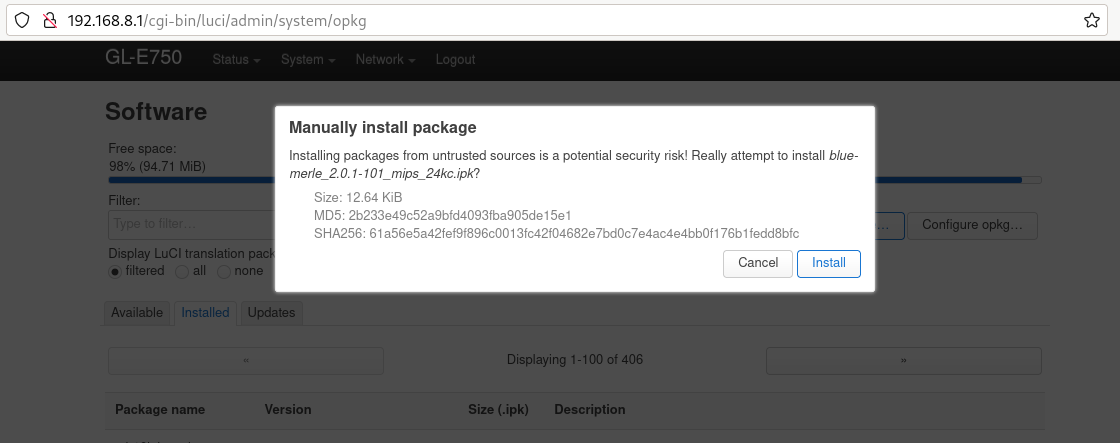
Click «install».
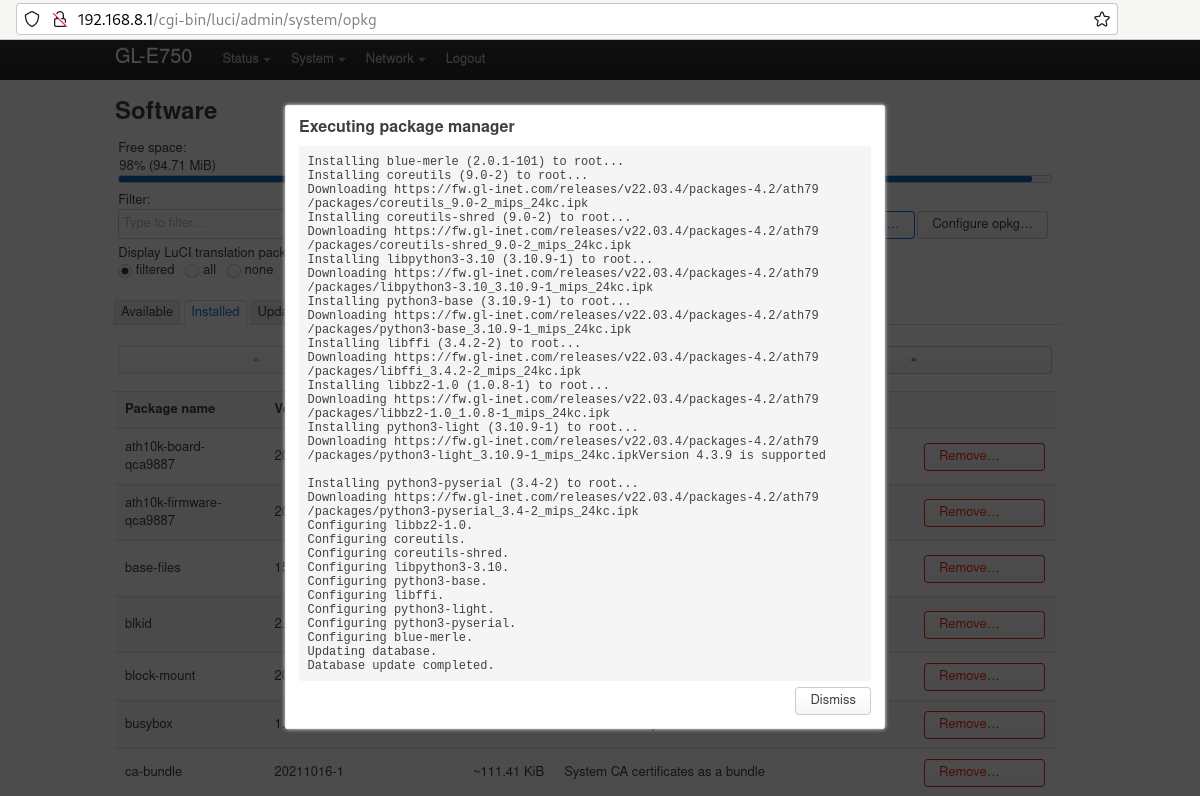
Your firmware has been successfully updated.