Ubuntu
Note
Le port audio (jack) du NitroPad T480s ne fonctionne pas automatiquement. Pour sélectionner manuellement un casque connecté, installez le programme pavucontrol et sélectionnez le casque connecté sous Output Devices.
Vérification du matériel scellé
If you have ordered the unit with the option “sealed screws and sealed bag”, please verify the sealing before unpacking. If you do not know what this means, skip this section.
Procédure de démarrage sécurisé
Avant le premier démarrage, vous devez vous familiariser avec la procédure de démarrage sécurisé ` <../secure-starting-procedure.html>` __.
Workaround Ubuntu 26.04 & 24.04.
There is an issue that prevents Ubuntu to show the LUKS decryption screen, if started with heads. It’s there and you can type in your password blindly, after that Ubuntu starts normal. Follow these steps:
Heads starts. If nothing needs to be done, Ubuntu will start automatically.
Au bout d’un certain temps, vous verrez un écran noir avec une écriture blanche sur les dernières lignes :
Locking TPM2 platform hierarchy...
Starting the new kernel
Ces lignes indiquent qu’Ubuntu est en train de démarrer.
Attendez 5 secondes et entrez votre mot de passe **** (« 12345678 » si vous le démarrez pour la première fois) suivi de Entrez.
Vous verrez maintenant l’écran normal d’Ubuntu. Lorsque vous démarrez pour la première fois, vous devez effectuer la configuration initiale.
Pour commencer
Après l’achat, les mots de passe sont définis par défaut et doivent être modifiés par vos soins :
Appuyez sur la touche Enter (« Default Boot ») après avoir démarré le système, à condition que le NitroPad n’ait pas affiché d’erreurs et que la Nitrokey soit allumée en vert (voir ci-dessus).
Next, the system will prompt you to enter the passphrase to decrypt the hard disk. The passphrase is initially
12345678. This was changed on the 10.04.2024 so if12345678`is not working try the old defaultPleaseChangeMe`.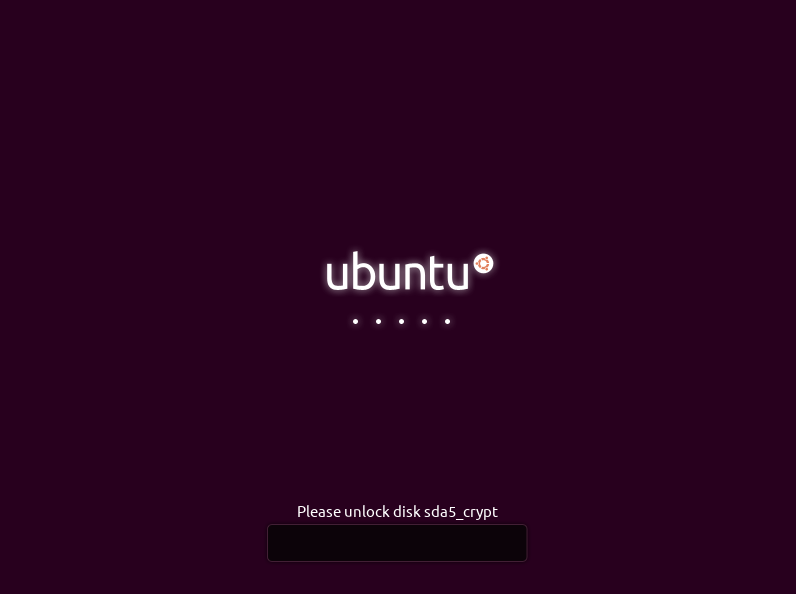
Le système vous guidera ensuite dans le processus de création d’un compte utilisateur. Après cela, vous devriez avoir réussi à démarrer le système et pouvoir déjà l’utiliser normalement.
Open the pre-installed Nitrokey App and change the PINs of your Nitrokey. To learn more about how to change the PINs, please refer to chapter Change User and Admin PIN.
Change the passphrase for disk encryption. To learn more about how to change the passphrase for disk encryption, please refer to chapter Change Disk Encryption Passphrase. This passphrase is different from your user account’s passphrase.
Comportement après une mise à jour du système
The NitroPad and NitroPC firmware checks certain system files for changes. If your operating system has updated important components, you will be warned the next time you boot the NitroPad or NitroPC. This could look like this, for example:
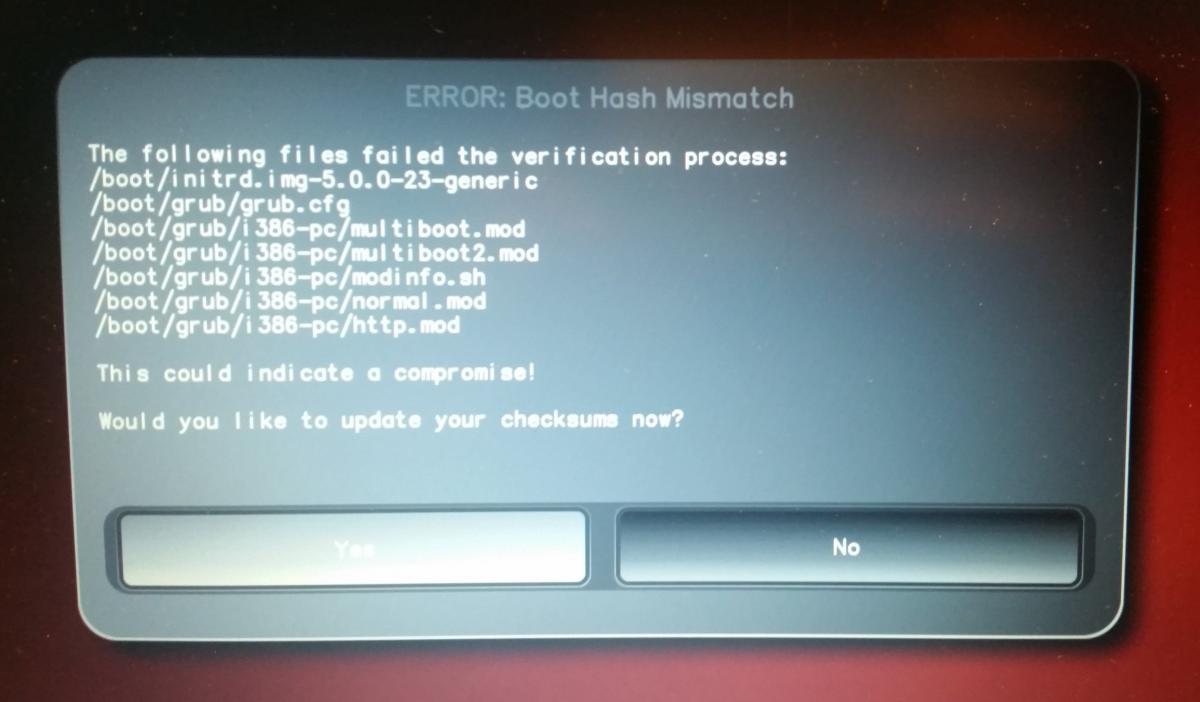
That’s why it’s important to restart your NitroPad or your NitroPC under controlled conditions after a system update. Only when the new status has been confirmed can you leave the device unattended again. Otherwise, you will not be able to distinguish a possible attack from a system update. Detailed instructions for a system update can be found here.